Questions
The Questions section: discussing a particular invoice with your colleagues through an @mention.
about 1 minUpdated October 8, 2026
This is where colleagues discuss a particular invoice — instead of a messenger thread where, a month later, nobody can find what it was about. An @ in a message mentions a colleague, and they get a notification.
The screen#
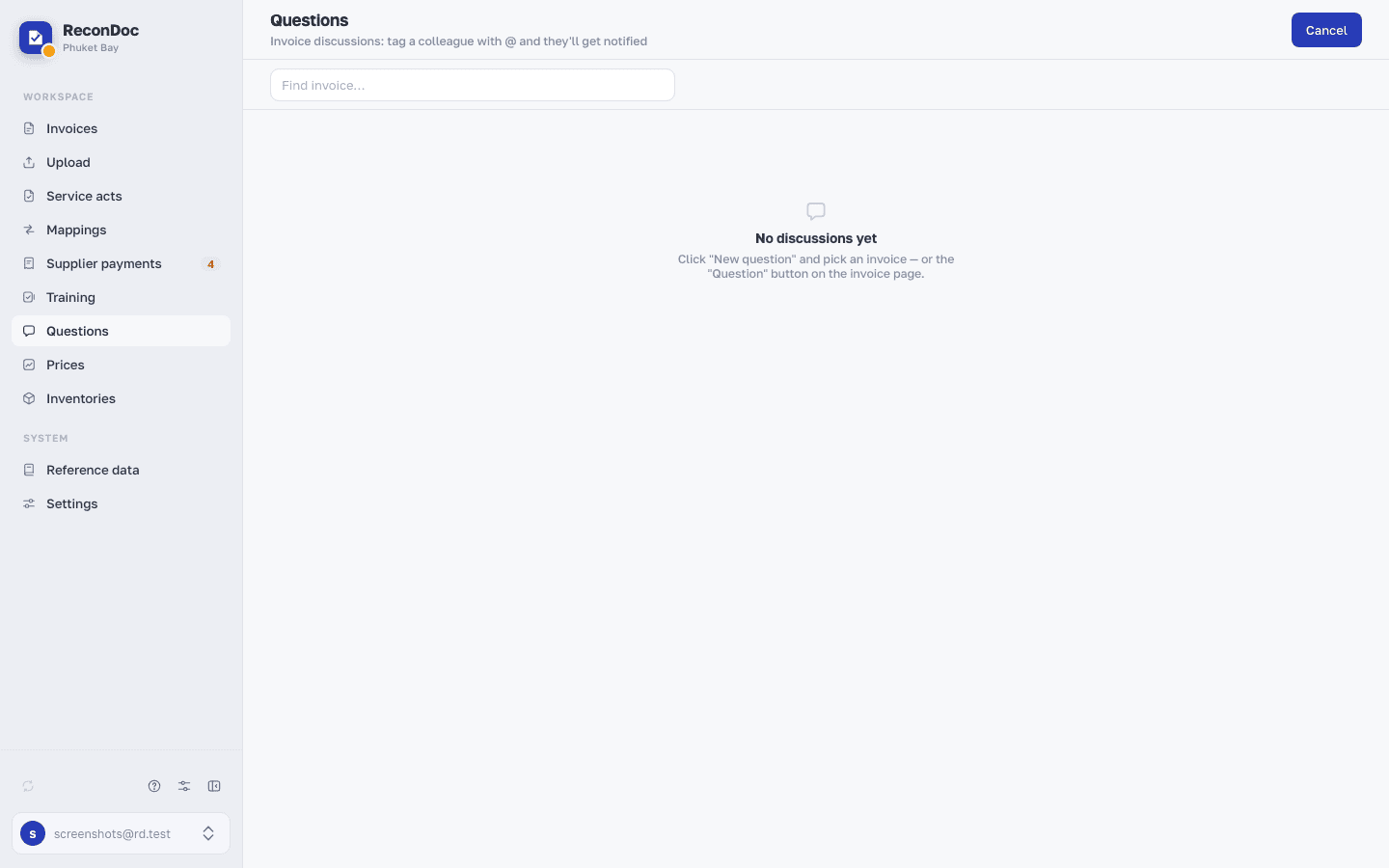 1234
- Subheading — while there are no discussions, it explains the section; once there are, it turns into a counter: how many discussions there are in total and how many have something unread.
- New question — opens the invoice search; in this shot the field is already open, so the button reads Cancel — pressing it again closes the field.
- Find invoice… — pick the invoice the question is about, and its discussion opens.
- No discussions yet — the empty state; as soon as there's at least one, this becomes a list: the invoice and the latest message about it.
The other way into the same section is Ask colleagues in the ⋮ menu on an invoice page: it opens that invoice's discussion straight away, with no search.
What you do here
What's next
Didn't find the answer, or the guide didn't help?
Ask support